Overview
Browse our examples for practical copy-paste solutions to common use cases with Svelte Flow. Here you can find our MIT Licensed examples, which you are free to use in your projects without restrictions, as well as our Pro examples that come with our Svelte Flow Pro subscription plans.


Nodes


NODES
A new node appears wherever you drop the connection line


NODES
Use the `isConnectable` prop to limit the number of connections a handle can have


NODES
Display any content inside of a node


NODES
Remove a node without breaking the flow


NODES
Restrict dragging to a specific part of node


NODES
Make the whole node into a handle


NODES
Detect when a node overlaps with another node


NODES
Change the size of a node with a bounding box or draggable icon


NODES
Automatically create edges when nodes get close to each other

NODES
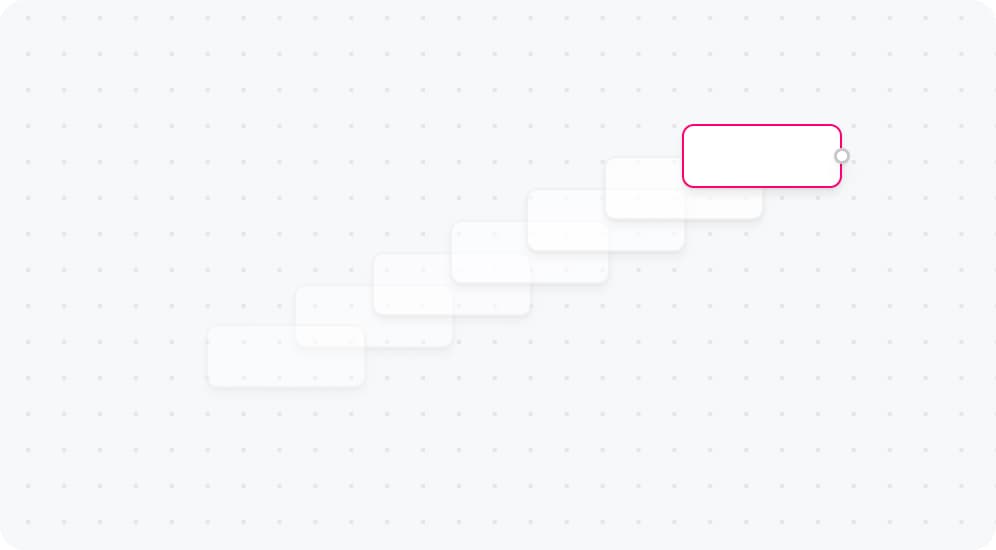
Animate nodes when their position changes.

NODES
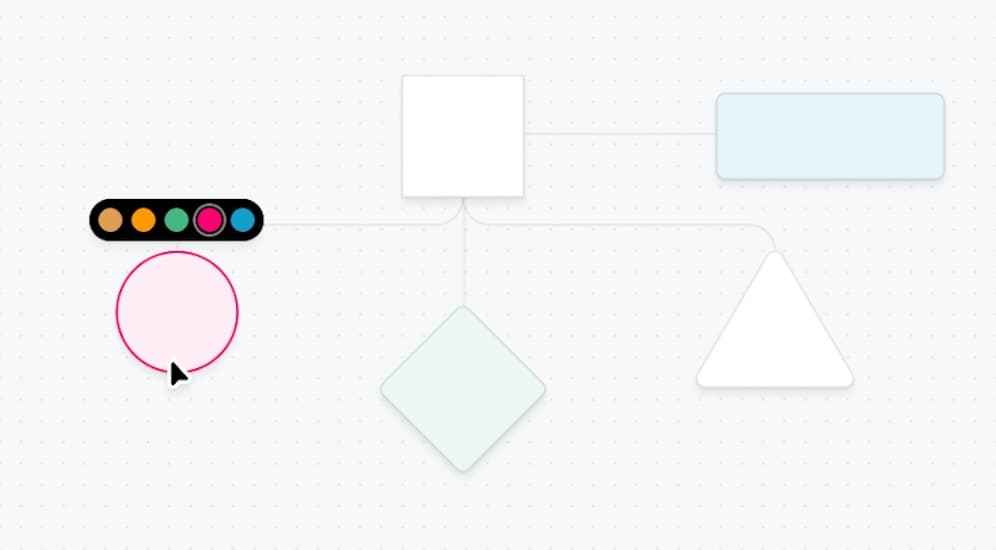
Custom nodes in various shapes commonly used in flowcharts.


NODES
Render hundreds of nodes and edges at once


NODES
Update the data field of a specific node
Edges


EDGES
Create a custom connection line while dragging


EDGES
Create and use custom edge types


EDGES
Add and customize labels on edges


EDGES
Add markers to the start and end of edges


EDGES
Use different built-in edge types


EDGES
Create edges that connect to the viewport


EDGES
Make edge reconnectable by using EdgeReconnectAnchor.
Interaction


INTERACTION
Calculate and visualize flow paths between nodes


INTERACTION
Add a custom context menu to nodes and edges


INTERACTION
Zoom to specific nodes or areas of the flow


INTERACTION
Drag and drop outside of the Svelte Flow pane with native HTML Drag and Drop API or Neodrag.


INTERACTION
Check if a new connection is valid and should be added
INTERACTION
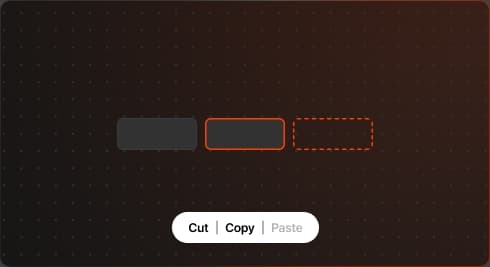
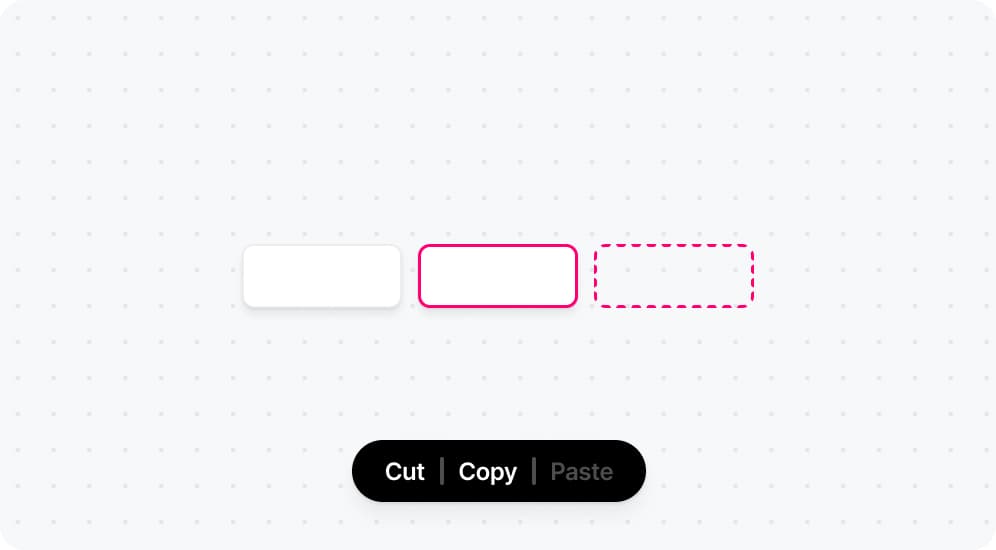
Copy and paste functionality for selected nodes.
INTERACTION
Undo and redo for add, delete, connect, and position nodes and edges.
Subflows & Grouping
SUBFLOWS & GROUPING
Group nodes together by drawing a selection box.

SUBFLOWS & GROUPING
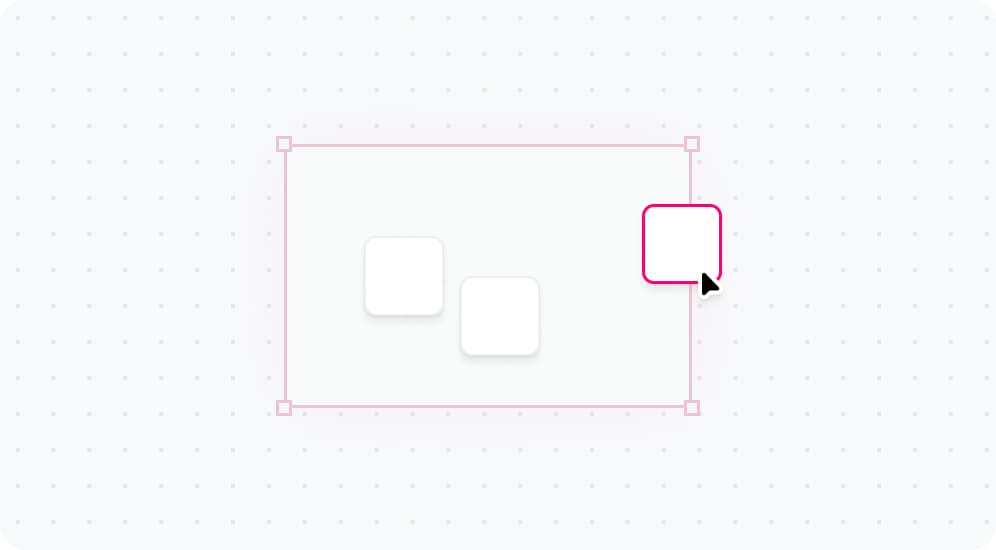
Group nodes by dragging them into a container.
Layout


LAYOUT
Use Dagre for hierarchical graph layout


LAYOUT
Use ELK.js for automatic graph layout


LAYOUT
Create a horizontal flow layout
LAYOUT
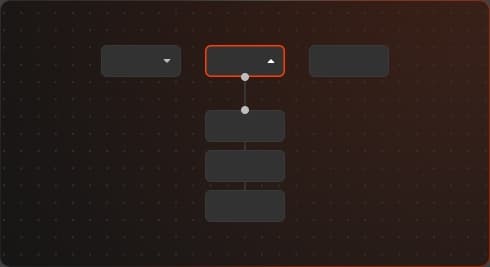
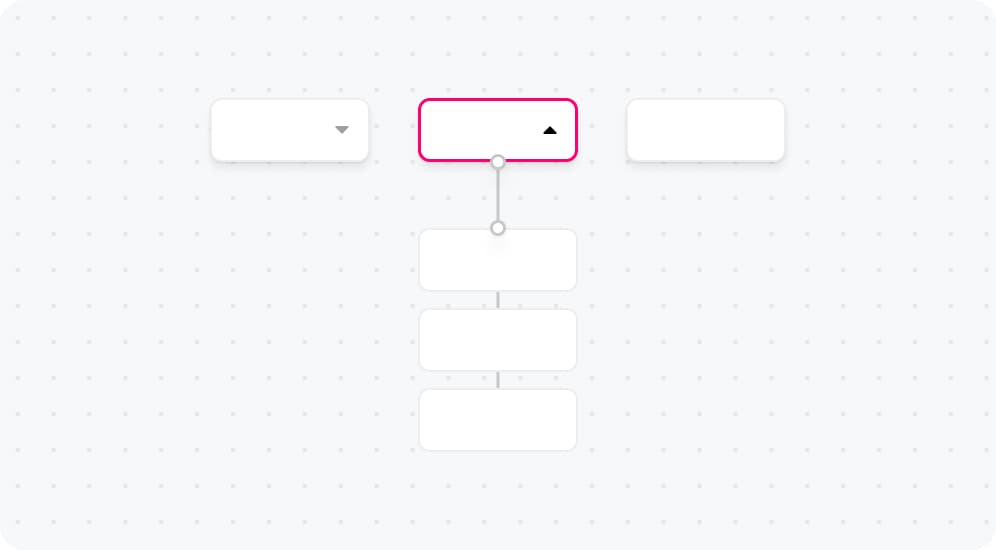
Expand and collapse subflows or node groups.
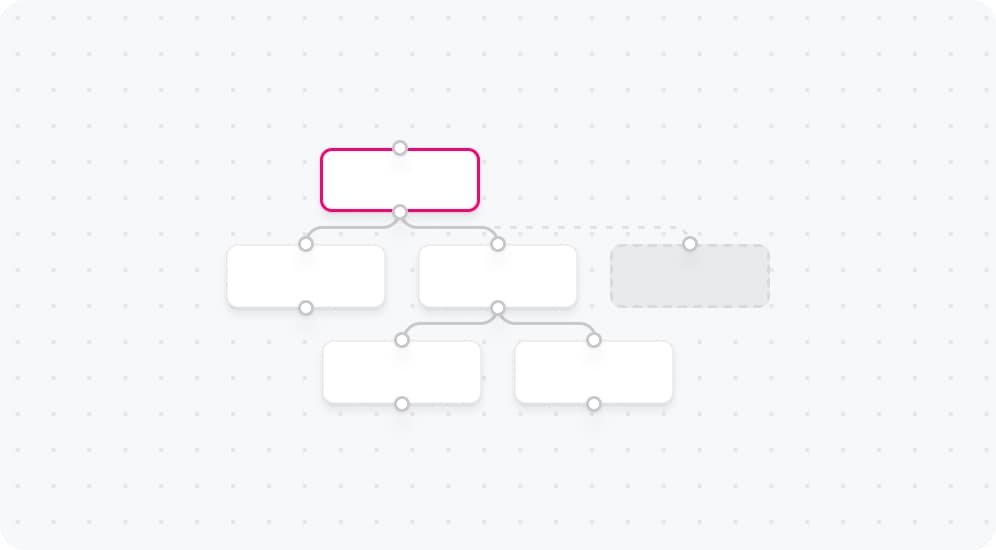
LAYOUT
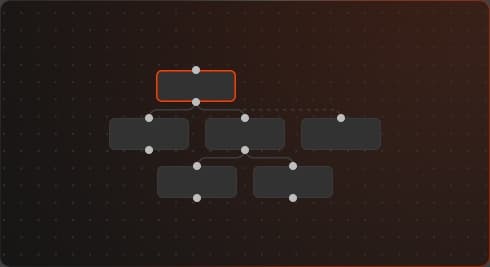
Automatically layout nodes using a layout algorithm.
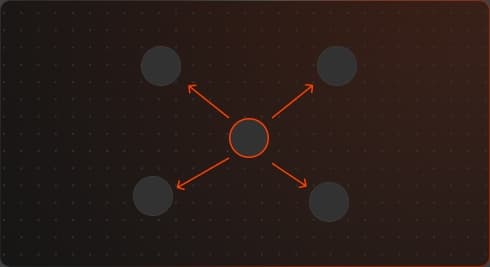
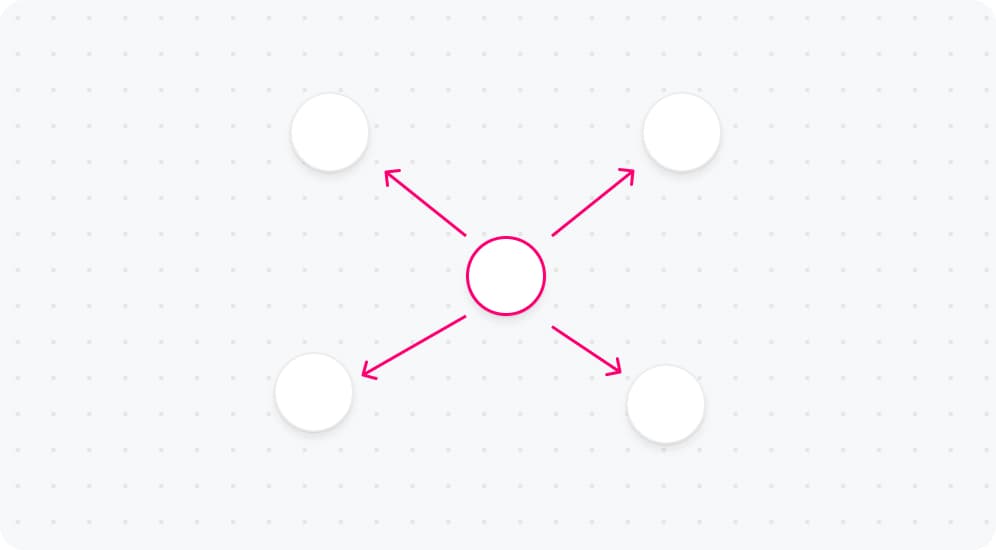
LAYOUT
Force-directed layout for automatic node positioning.


LAYOUT
Automatically resolve node overlaps using collision detection algorithms


LAYOUT
Create nested flows within your graph
Styling


STYLING
Customize the base styling of your flow


STYLING
Implement dark mode in your flow


STYLING
Style your flow with Tailwind CSS


STYLING
Nodes with glowing animated gradient borders, inspired by the turbo.build website
Whiteboard


WHITEBOARD
An eraser tool that let's you delete nodes and edges by wiping them out


WHITEBOARD
Implement lasso selection for nodes using Svelte Flow


WHITEBOARD
An example about drawing rectangles on a whiteboard using Svelte Flow.
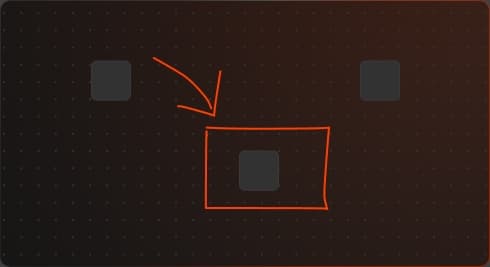
WHITEBOARD
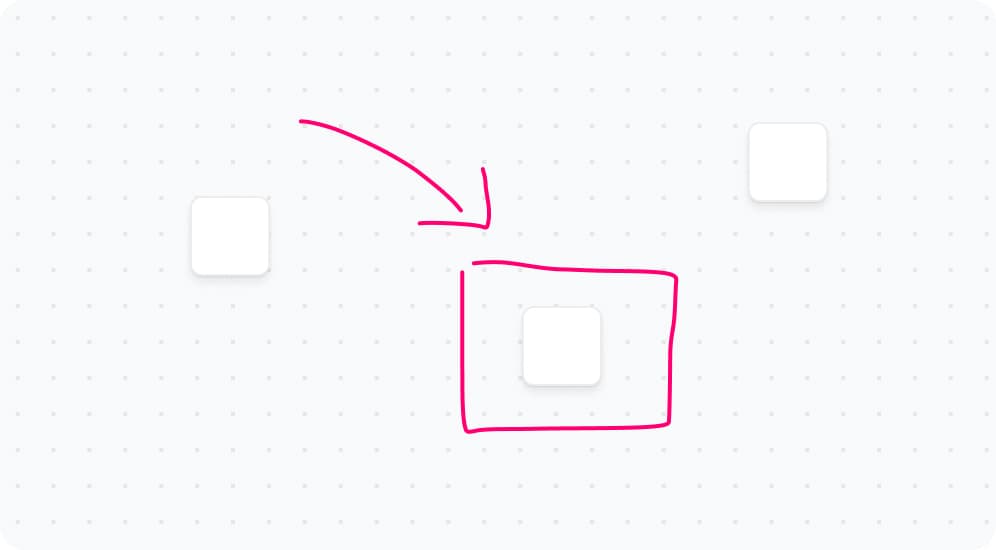
Freehand drawing on the canvas.
Misc


MISC
Use Sveltes in and out transitions to animate nodes & edges


MISC
Export your flow as an image


MISC
Use Svelte Flow with Threlte for 3D visualization
MISC
How to remove the attribution label from the Svelte Flow pane.


MISC
A tiny app that shows how to generate images.